
Video
Find the next pass
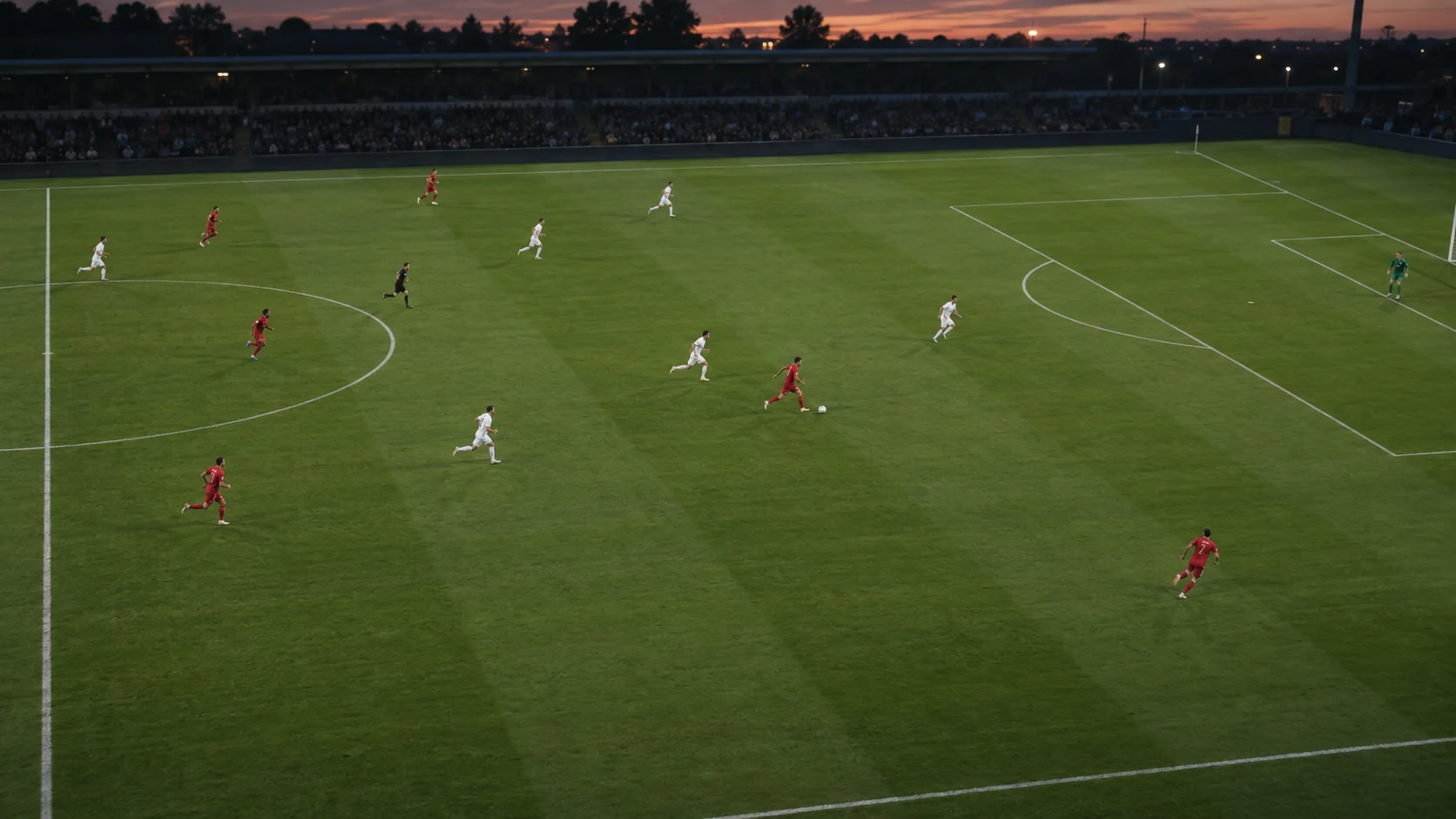
Player
Drag centre to curve
Open a video to begin
Drop a video here, or choose a file.
Paused
Freeze frame
Drag to move · Arrow keys to nudge
00:12.00
00:28.00
Player tracking
BetaMark a player with a circle or feet spot, set a duration, then track.
seconds
00:12.00 → 00:28.00 · 16 seconds
Pause on a clear frame and centre the circle on the player’s body.
Tracking tips
Tracking starts where you circle the player. Enter any duration in video seconds, or choose To clip end. If the tracker needs help, click the same player in the paused frame to continue. Your chosen end time stays fixed. Change a finished track’s duration, then click Re-track player to apply it.
Export video
Your full clip, with markings and freeze frames.
Includes your drawings, tracks and freeze frames.
About video export
MP4 when supported; otherwise WebM. Smaller videos keep their original size. Keep this tab visible until the download starts.
Player progression
Place your players, choose Add movement, then drag them to their next positions.
Moments
Your marked frames will appear here.